Wedding planning tools in Folio: all features
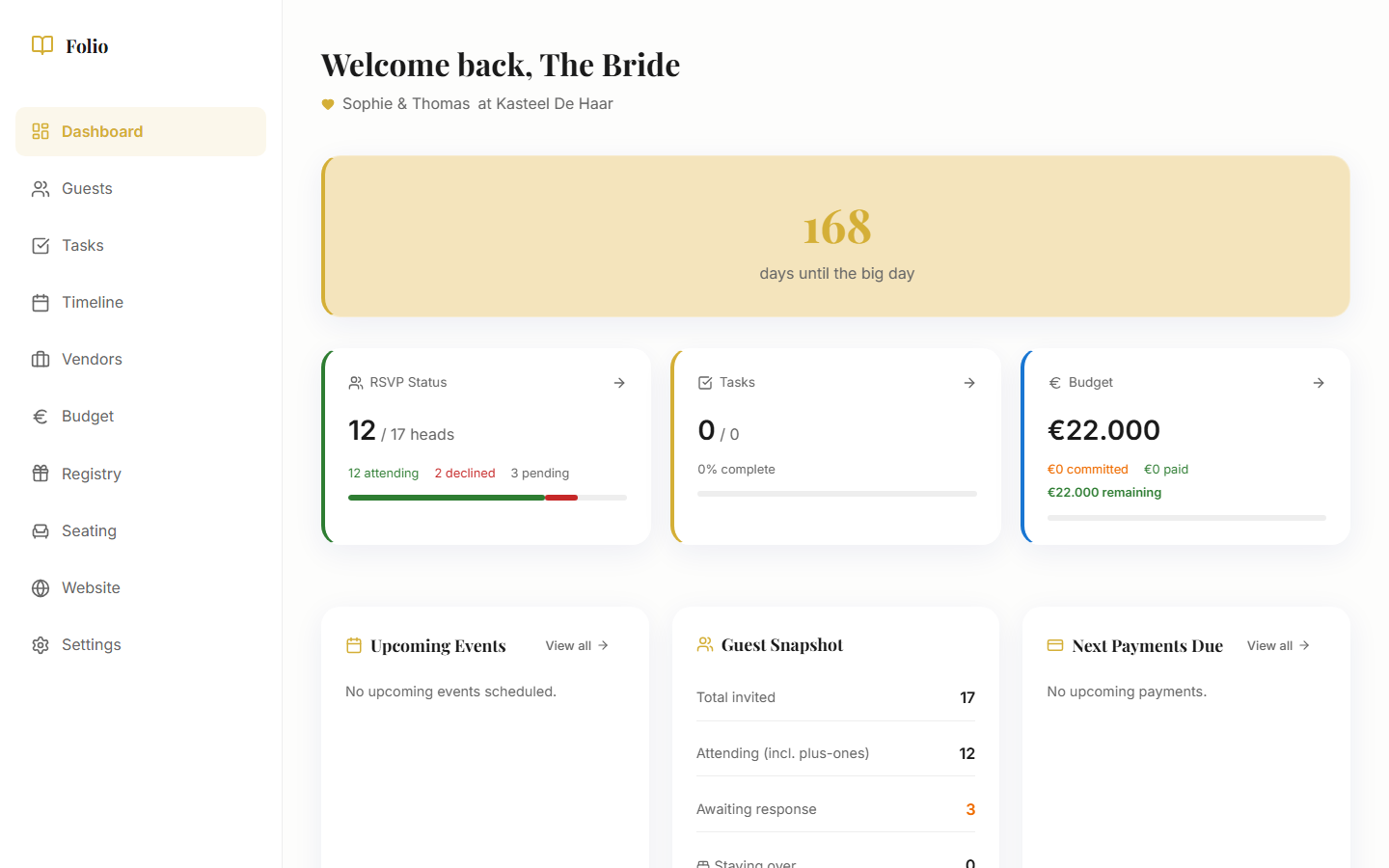
Folio is an all-in-one wedding planning app. Guest list, budget, tasks, timeline, seating chart, wedding website, and gift registry all live in one place. No scattered spreadsheets, no juggling five different tools. Here is everything that is included.
Guest List & RSVP
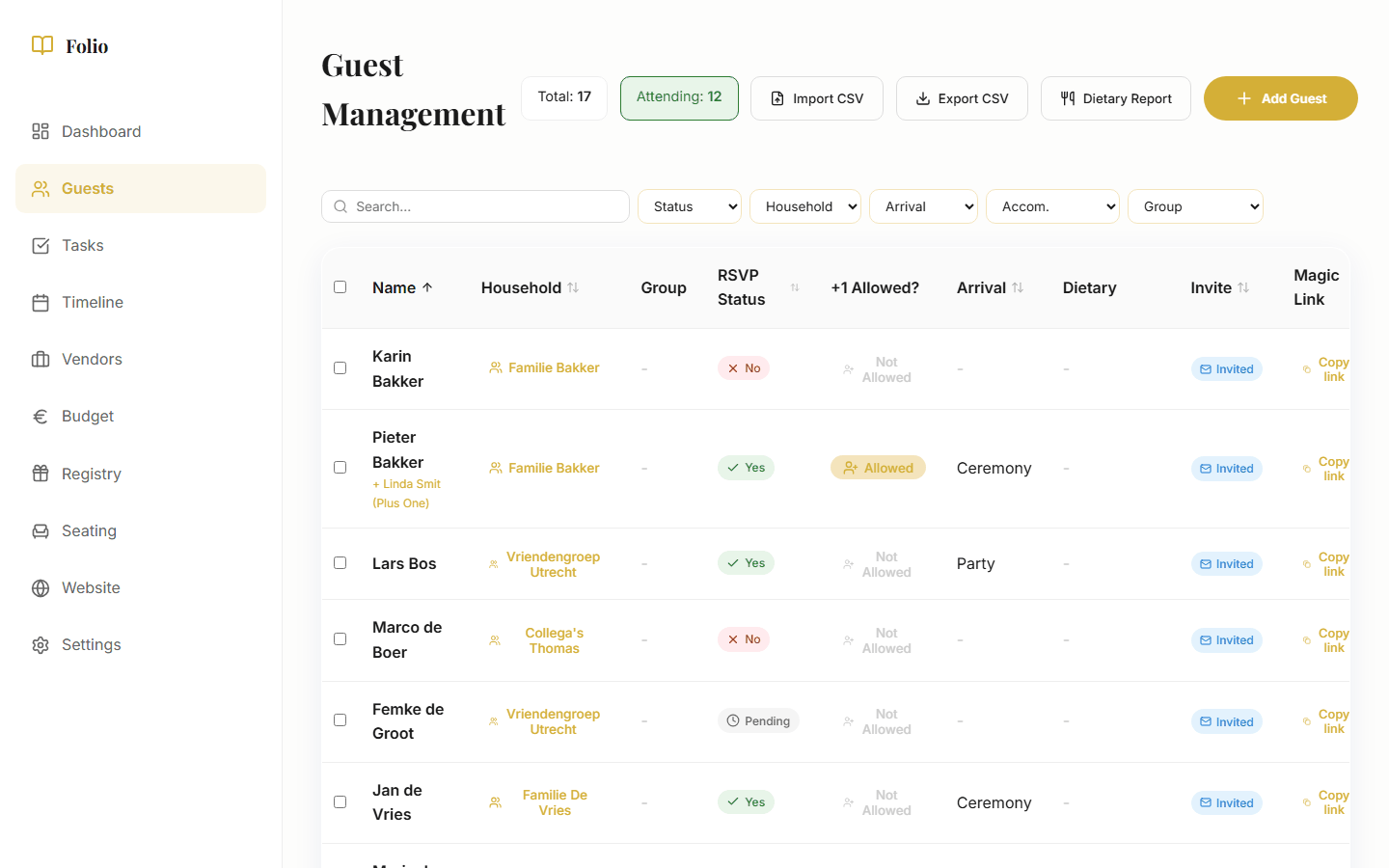
Manage all your guests in one place. Group them by household, track day and evening attendance, and record dietary needs and allergies. Filter by RSVP status, search by name, and see at a glance who is coming and who has not responded yet.
Each guest receives a personal RSVP link. No account needed, no app to download. They fill in whether they are coming, how many, and any dietary requirements. You see it instantly in your overview.
Export dietary reports for your caterer and use filters to quickly switch between confirmed guests, pending invitations, and declines.
Budget & Payments
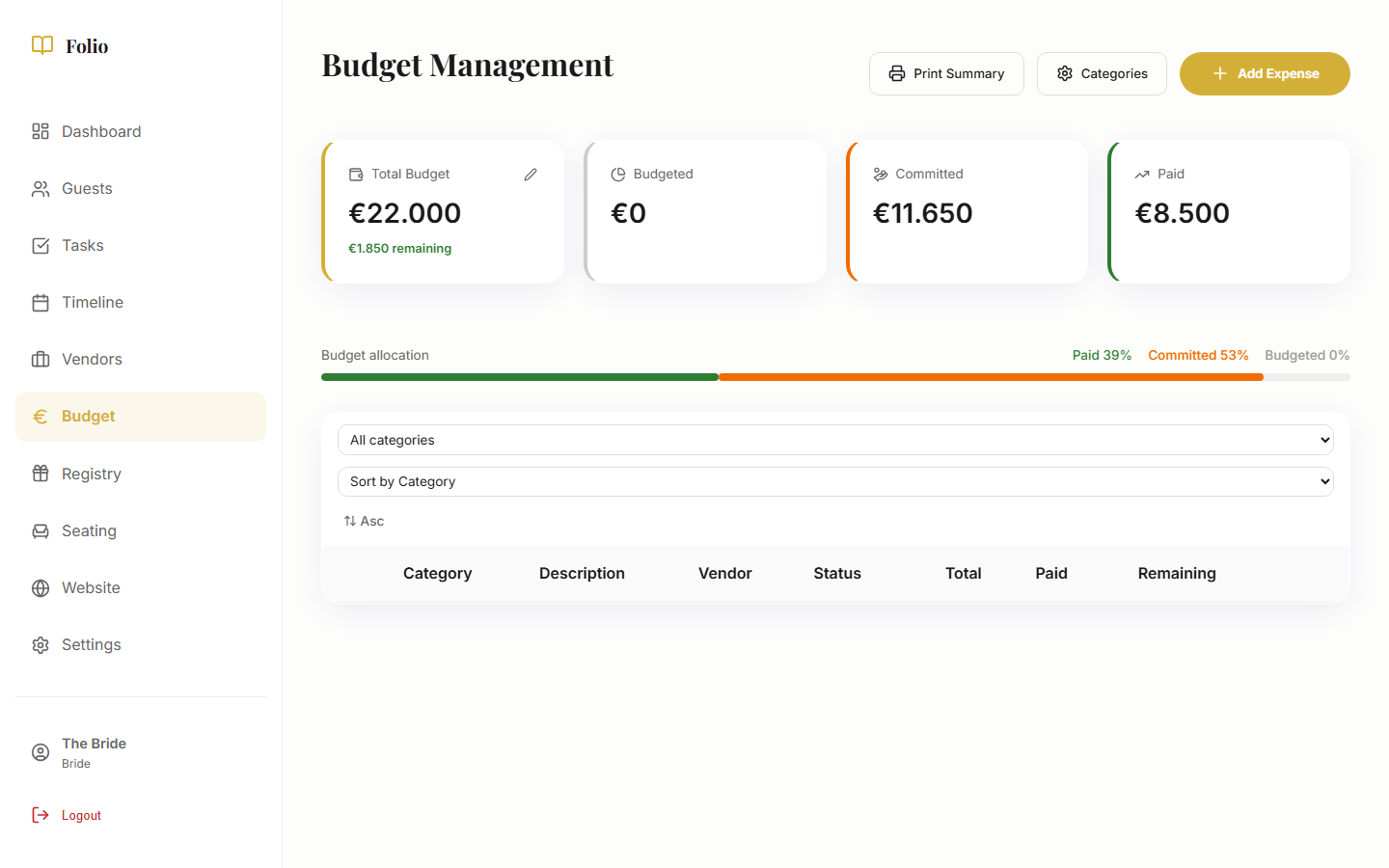
Track every expense by category: venue, catering, photography, flowers, attire, and more. See at a glance what has been budgeted, committed, and actually paid. No broken formulas, no manual calculations.
Record payment schedules per vendor with deposits, installments, and remaining balances. Progress bars show how much has been paid per vendor. You always know exactly where you stand, without scrolling through bank statements.
Tasks & Checklist
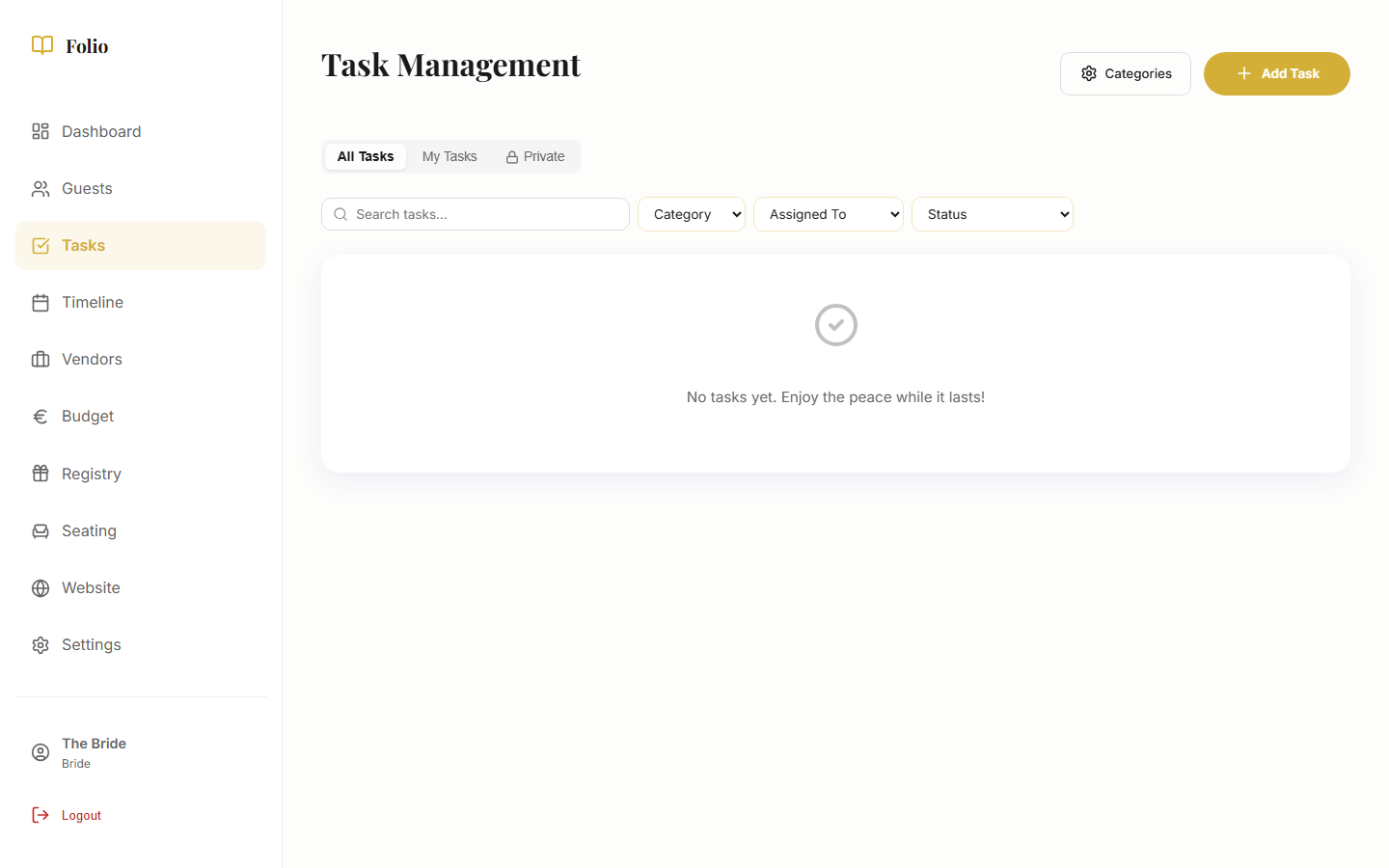
Start with 100+ pre-filled tasks that are automatically scheduled based on your wedding date. From finding a venue to sending thank-you cards, the entire plan is ready. Customize the list, add your own tasks, and check off what is done.
Assign tasks to your partner or keep them private for surprises. Categorize by topic (venue, attire, photography) and filter by what needs to be done this week. Overdue deadlines are clearly highlighted so nothing falls through the cracks.
Timeline
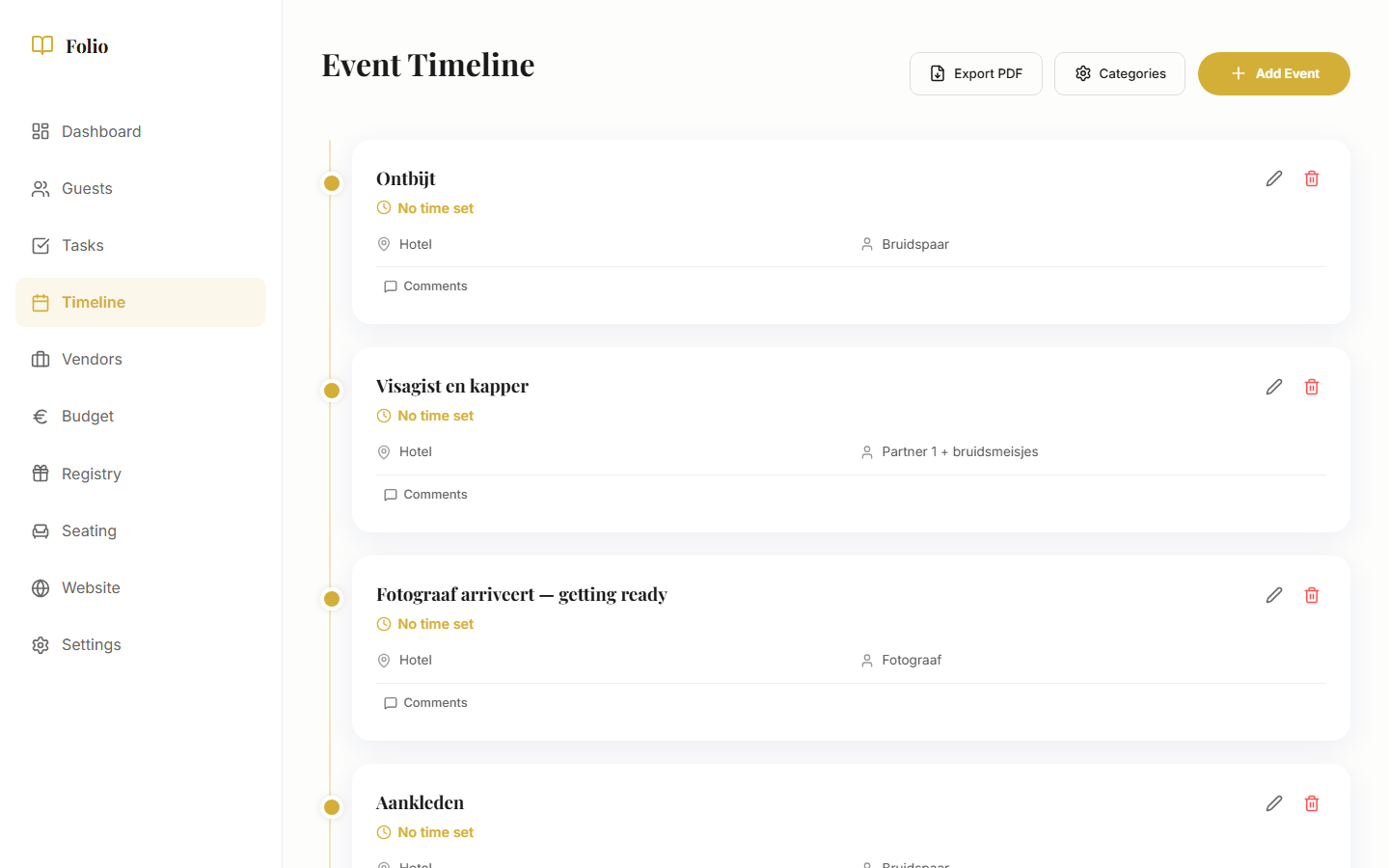
Plan your wedding day minute by minute. Every moment gets a time, a location, and a person responsible. From guest arrival to the first dance and departure: everything is laid out clearly.
Rearrange moments with drag-and-drop, add notes for vendors or the MC, and export the timeline to PDF. Share it with everyone who needs it, always the latest version.
Seating Chart
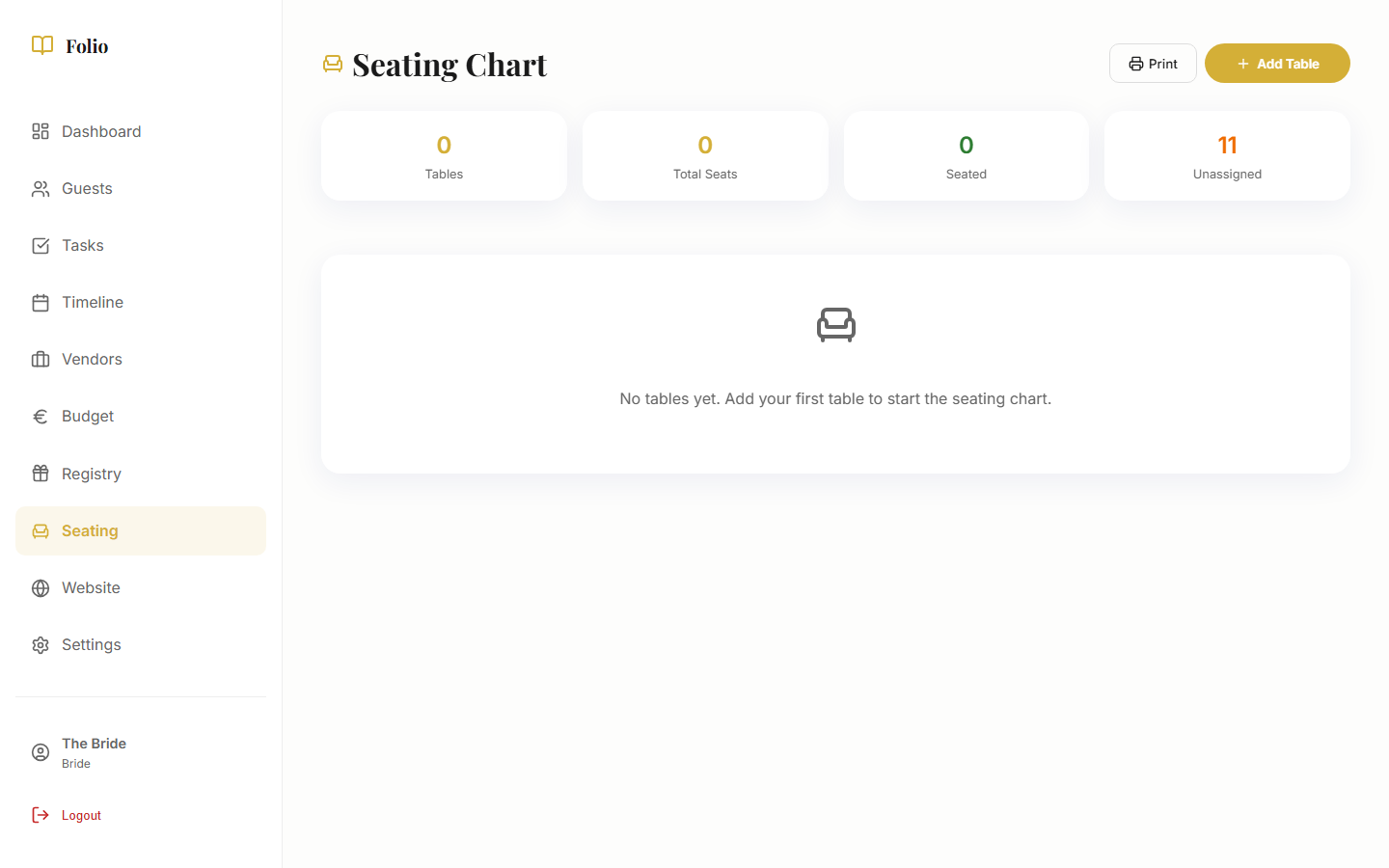
Build your table layout visually with drag-and-drop. Drag guests to tables, see at a glance who sits where, and keep in mind who should and should not be seated together. Much easier than Post-its on the kitchen table.
Print the table overview for your venue or share it digitally. If there are last-minute changes, update it and the new version is immediately available.
Wedding Website
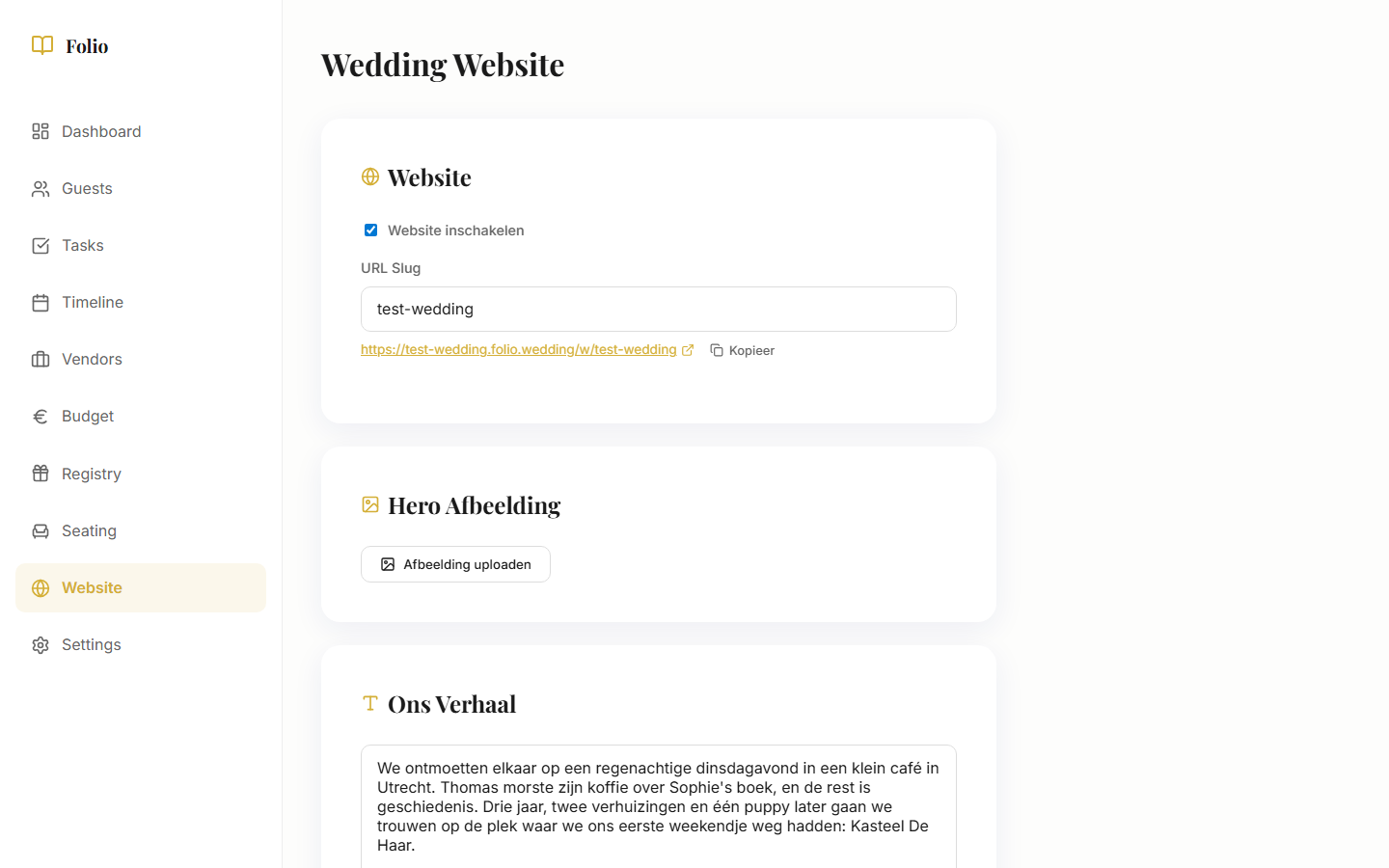
Create your own wedding page with your story, practical venue information, the day's schedule, and a QR code to share. Guests find everything they need: from directions to dress code.
The wedding website is connected to your RSVP and gift registry. Guests can respond and claim gifts directly, all from the same page. No separate tool needed.
Gift Registry
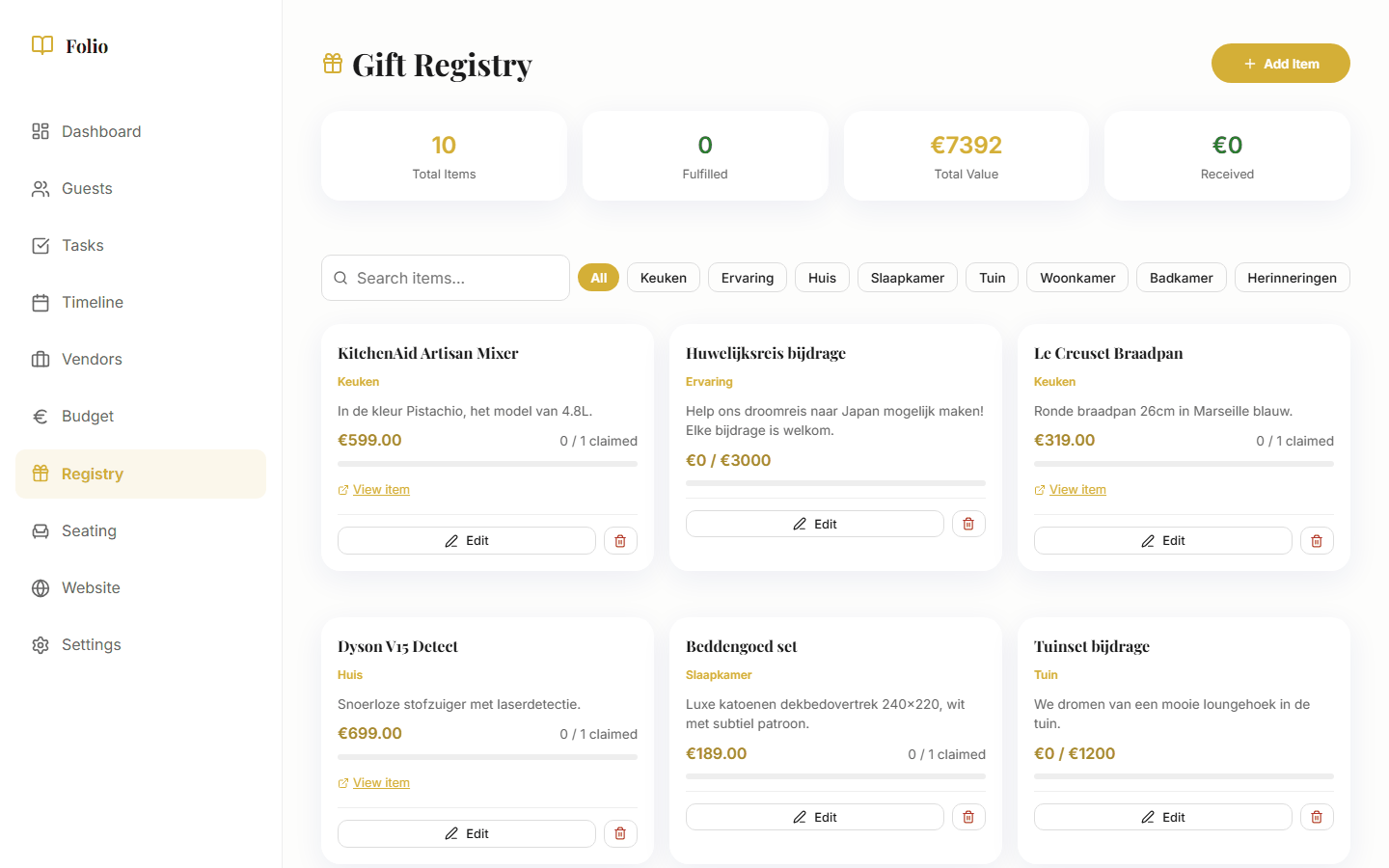
List your wishes: physical gifts, cash funds, or honeymoon contributions. Guests see exactly what is still available and can claim items. No duplicate gifts, no awkward conversations.
Share the registry via your wedding website or send the link separately. Guests do not need to create an account. They choose a gift, enter their name, and they are done.
Vendors
Track every vendor from first inquiry to final payment. Status, contact details, notes, and linked expenses all in one place. You always know where things stand with the photographer, caterer, DJ, and all your other vendors.
Link vendors to your budget so payments are automatically counted. Filter by status (inquired, confirmed, paid) and keep an overview of who still owes you a response.
Roles & Access
Share your planning with your wedding planner without exposing your budget. Assign roles that determine who can see and edit what. Ideal when you are working with a professional but want to keep the financial details private.
Use private tasks for surprises: prepare something for your partner without it showing up in the shared overview.
Import & Export
Already have a guest list in Excel or Google Sheets? Import it via CSV so you do not have to retype everything. Folio recognizes columns and maps them automatically to the right fields.
Export what you need: dietary reports as CSV for your caterer, the timeline as PDF for your MC, the budget as an overview to share with family. All in a few clicks.